WeightWatchers — Native App Redesign
In late 2025, WeightWatchers rebranded, with a new logo featuring a progress bar motif, refined blue palette, and modern type system, all developed by an external agency. The challenge was translating this identity into a live digital product used by millions.
The Challenge
Redesigning a product used by approximately 3 million subscribers is never simple. Several factors made this project particularly demanding:
- Bridging brand and product. Agency guidelines weren't built for mobile — screen sizes, interactions, and accessibility required constant interpretation.
- Speed and scale. Dozens of screens had to ship before year-end, with almost no room to iterate.
- Parallel workstreams. Visual rebrand, UX improvements, and new features all ran simultaneously.
- Coordination at scale. With multiple designers working across different parts of the same product, staying aligned on patterns, components, and interaction logic required ongoing communication and self-direction.
My Role
As one of three native app designers, I worked across the product rather than owning a single feature — redesigning flows, applying the new brand system, and building new experiences.
For larger features, I worked closely with product managers and dedicated teams from WeightWatchers, often starting with a discovery phase before moving into design.
Approach
Analyzing the existing product. Before designing anything, I mapped the current app — screens, flows, edge cases, and pain points.
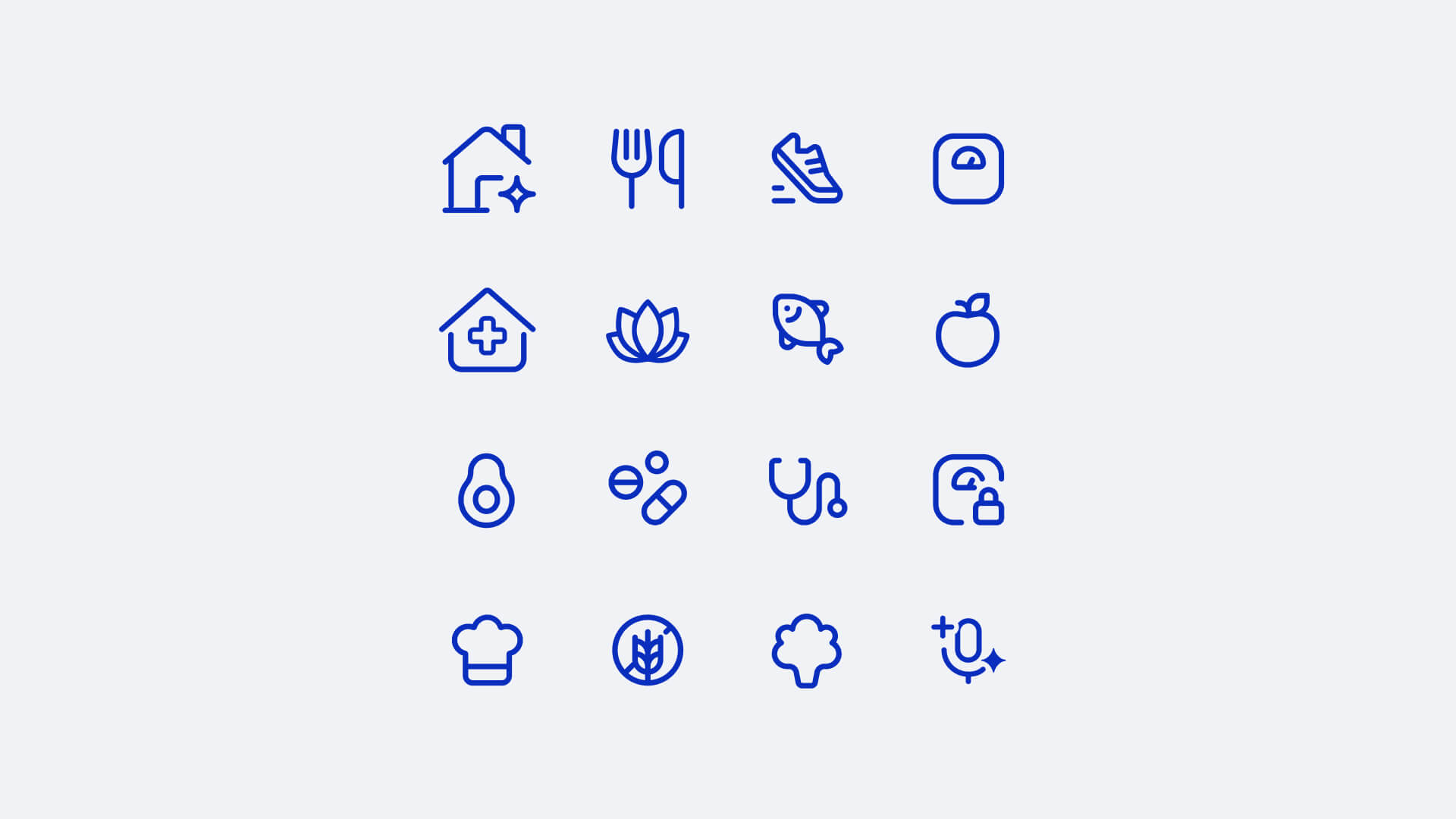
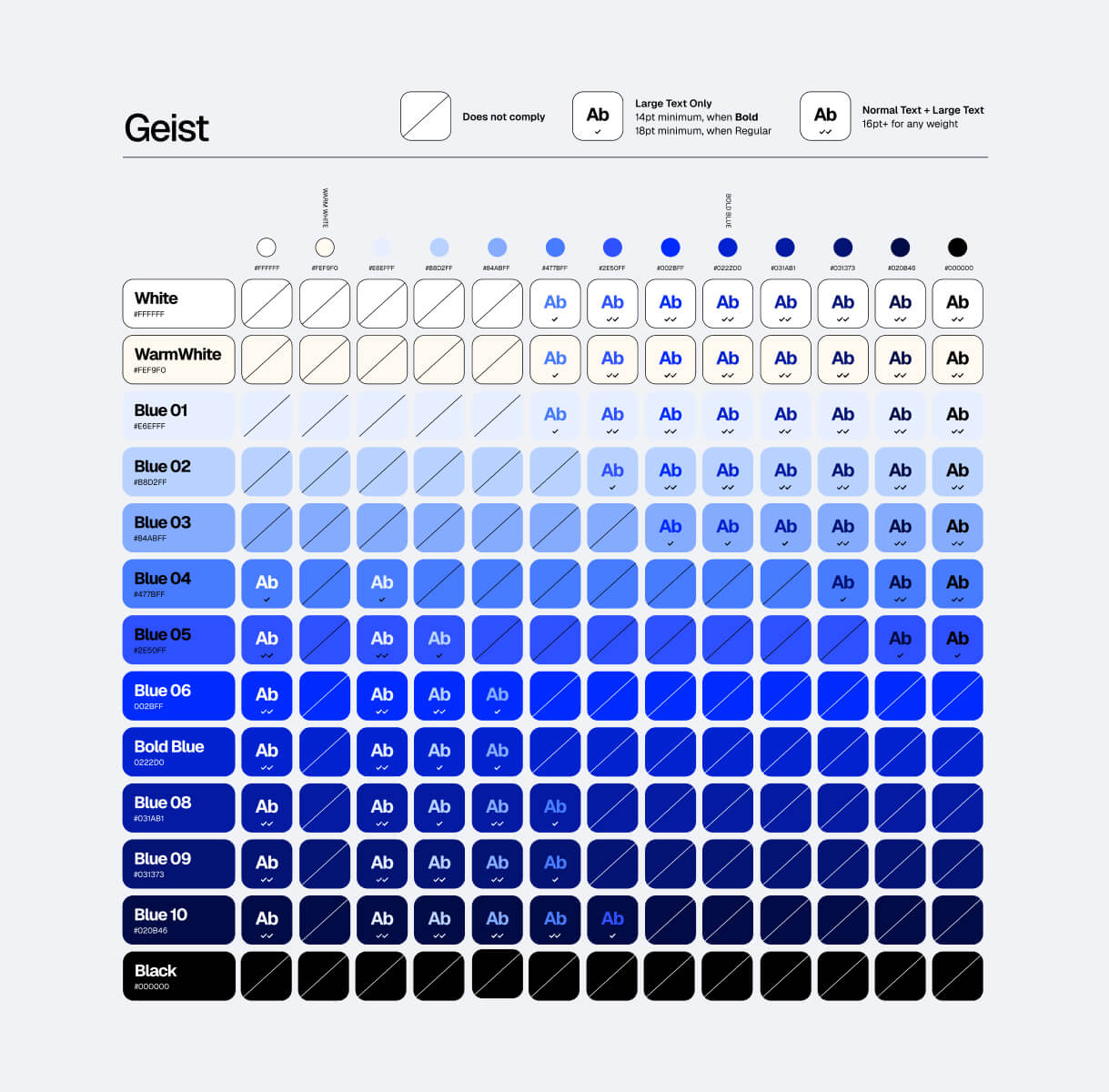
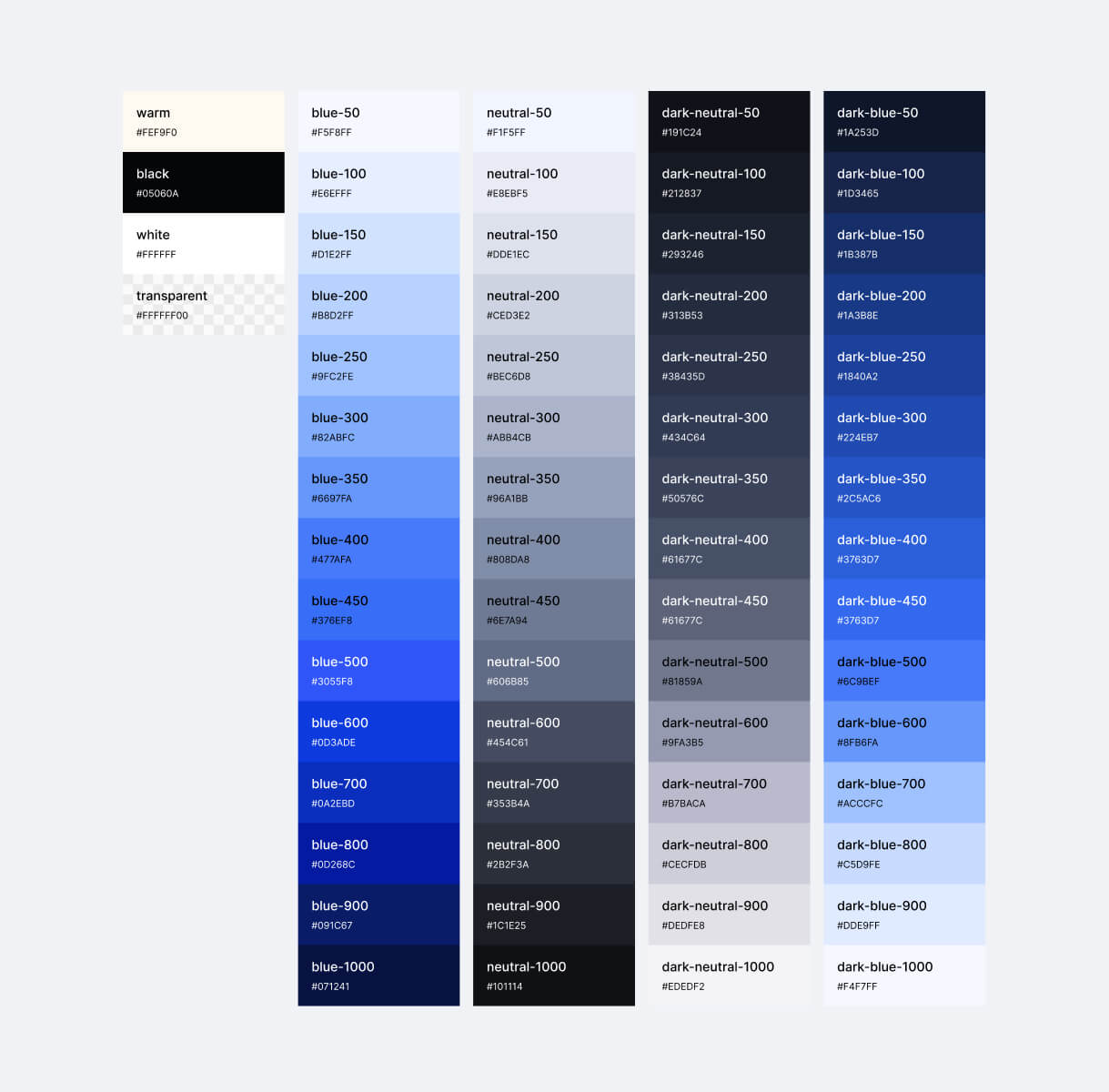
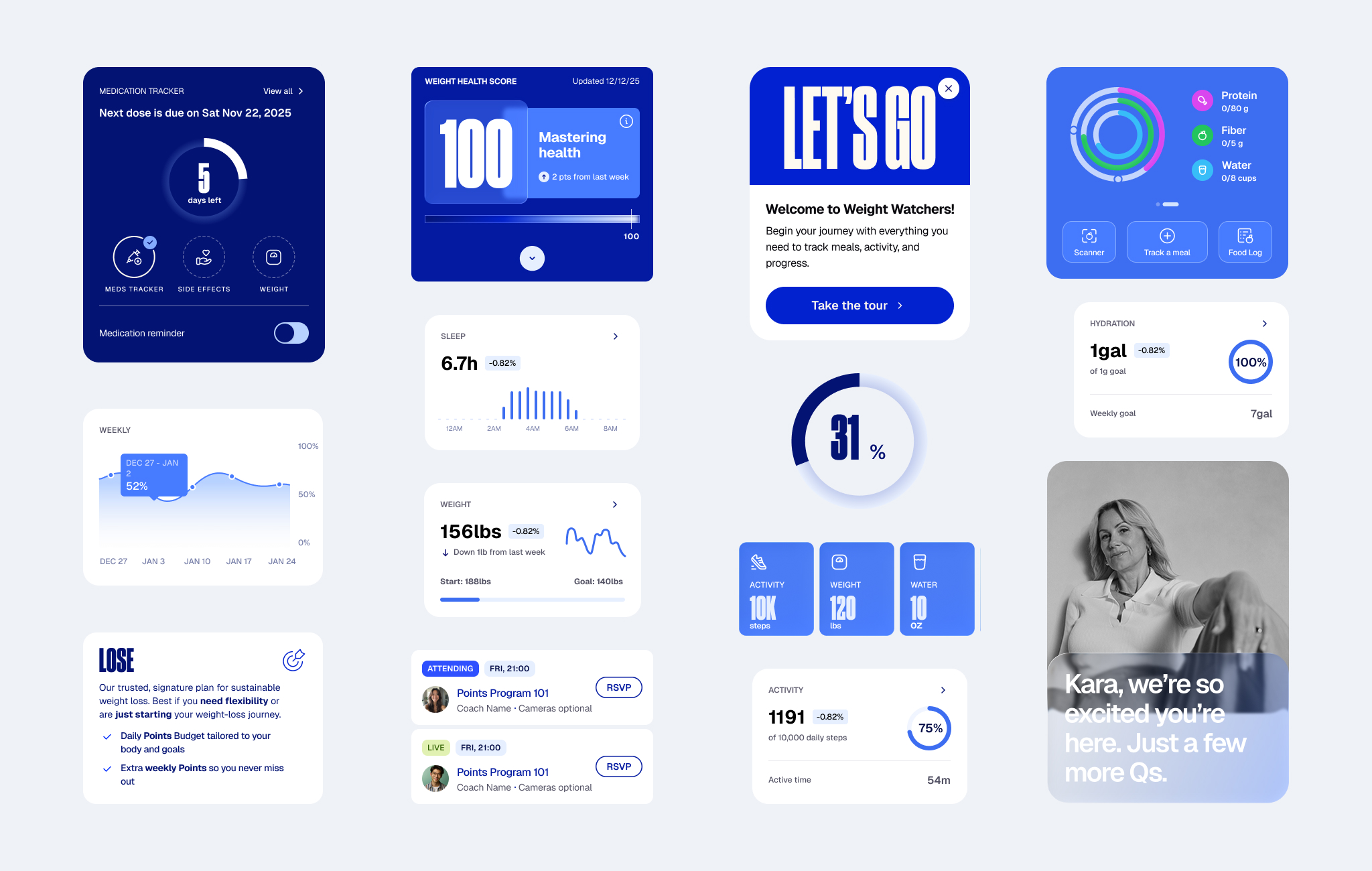
Applying the brand. Translating the new identity meant rethinking how it worked across dozens of different screen types, not just swapping colours and fonts.
Strengthening flows. The rebrand was an opportunity to close gaps, remove friction, and improve usability alongside the visual refresh.
Building new features. New areas — Lifestyle tab, user profile, body scan — were designed from scratch during the same period.
Key Areas
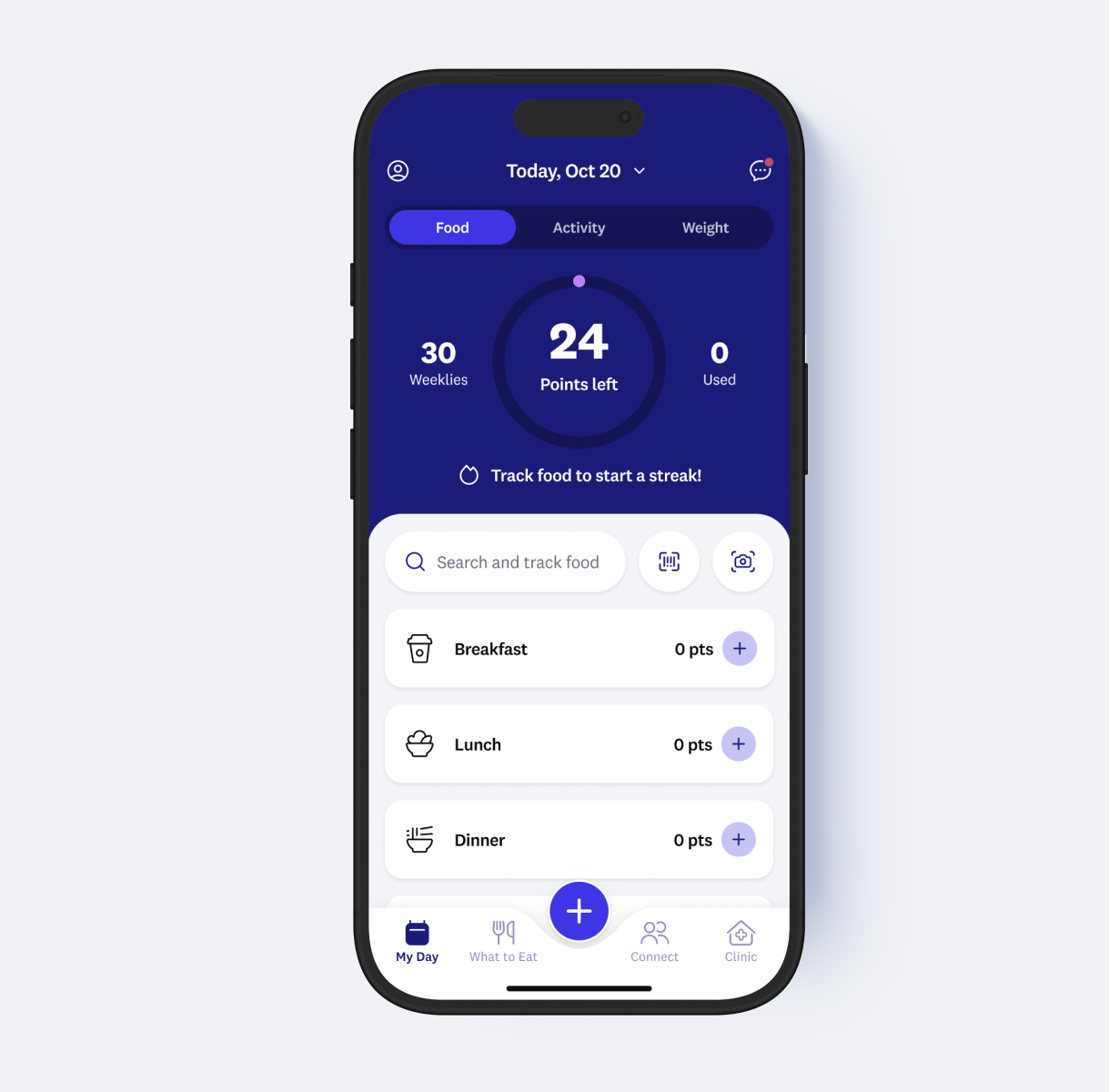
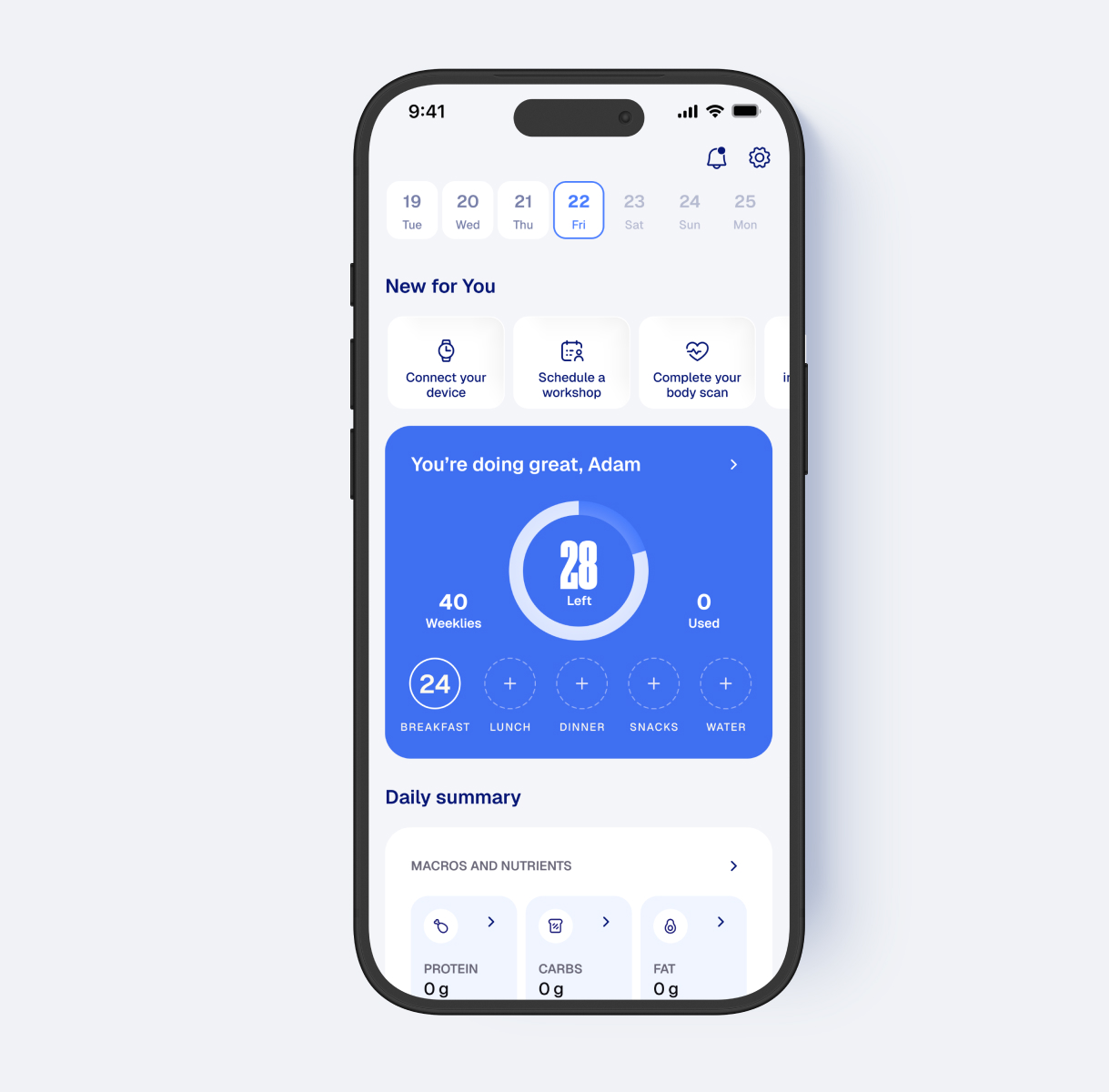
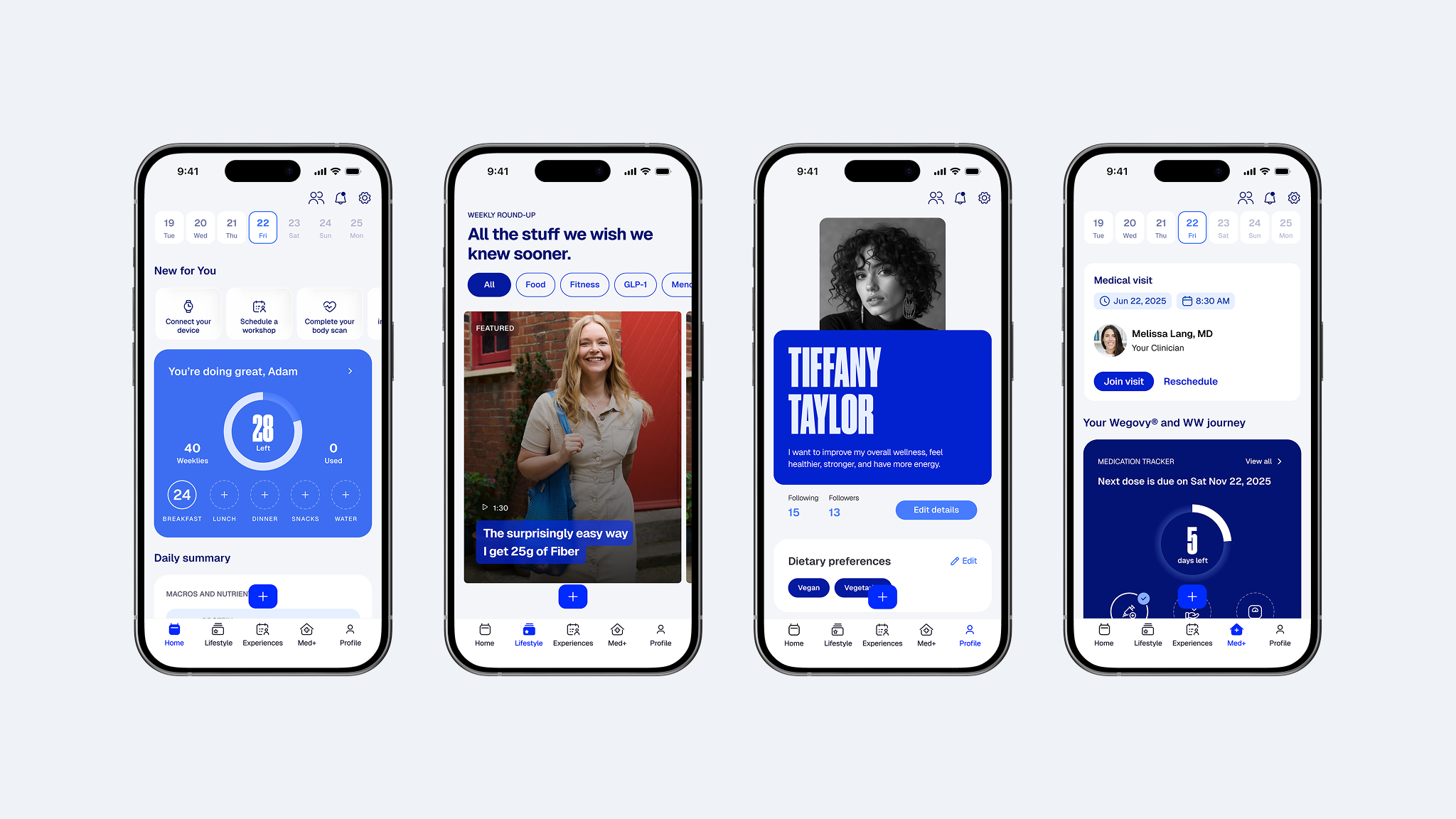
Home Dashboards: main dashboard surfaces everything a user needs at a glance: Points budget, macros, activity, weight, and sleep — with variants for standard and GLP-1/Meno program types.
Food Search & Tracking: scan, quick-add, recipes, and custom entries. Speed was the priority: users track multiple times a day.
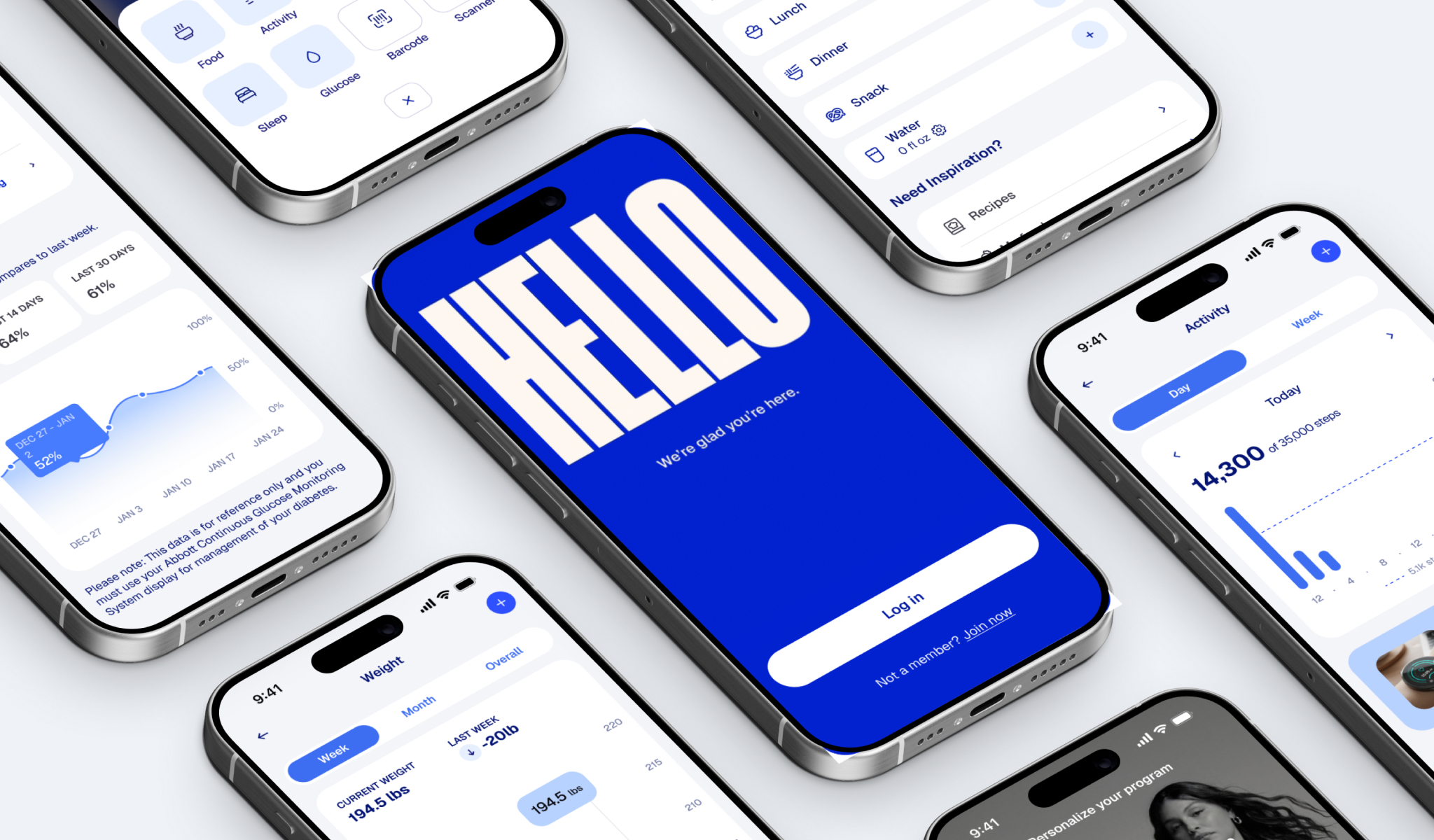
Login, Sign-Up & Onboarding: full auth flow and Points onboarding — the first impression for every new subscriber.
Lifestyle & Discovery: a content hub for recipes, workshops, GLP-1 education, and fitness — redesigned from the ground up.
User Profile & Settings: a restructured user profile and a social activity feed. The settings area was reorganized to better accommodate the growing feature set.
FAB (Floating Action Button): quick-add entry point — designed for one-tap speed as the most-used interaction in the app.
Peak & Post-Peak
Peak (Late 2025) The entire redesign — rebrand, UX improvements, and new features — had to ship simultaneously by December 26. Every designer worked at full capacity, aligning daily to hit the deadline.
Post-Peak (2026) After launch: fixing edge cases, refining interactions from early feedback, and raising overall quality to the bar set in design.
Impact
~3M
Active subscribers on iOS and Android
4.8
App Store rating maintained across 2.3M ratings through the rebrand
42%
Year-over-year growth in clinical subscribers
Dec 26
Shipped on schedule with the public brand launch